15% off your order with code BOOM2026 if you spend $100 or more: Shop now
Enjoy FREE Shipping on orders over $75 (Domestic US only). See Details

Free print templates & dielines

Blank PDF templates set up at the exact trim, bleed and safe area we print to. Open one in Illustrator, InDesign, Photoshop, Affinity or Canva, design on top of it, then send us a press-ready PDF. No email required.
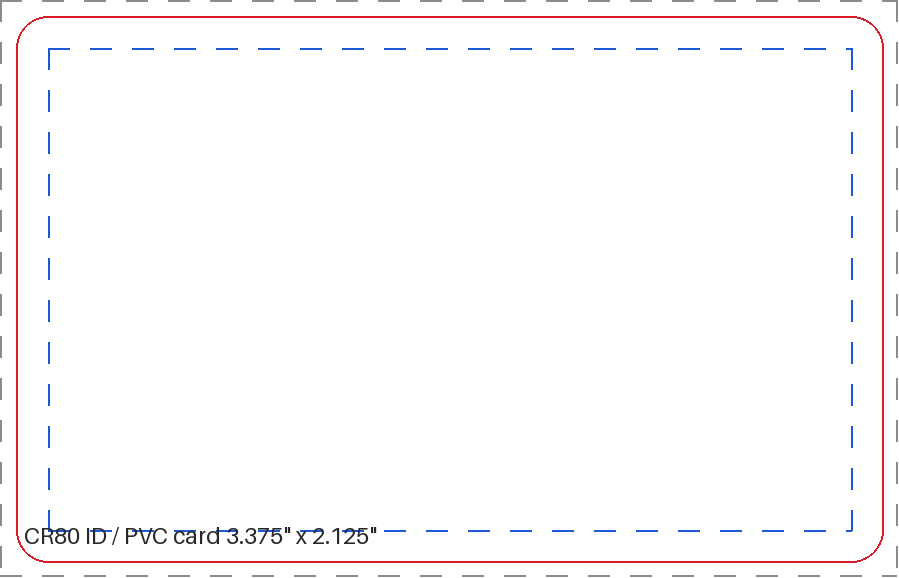
CR80 ID / PVC card — 3.375" x 2.125" blank print template showing trim, bleed and safe area

CR80 ID / PVC card — 3.375" x 2.125"

Trim size
3.375" x 2.125" (85.7 mm x 54.0 mm)
Document with bleed
3.5" x 2.25"
Safe area
3.125" x 1.875"
Bleed / margin
0.0625" / 0.125"

Credit-card size with 1/8" rounded corners. Keep magnetic stripe and chip zones clear.
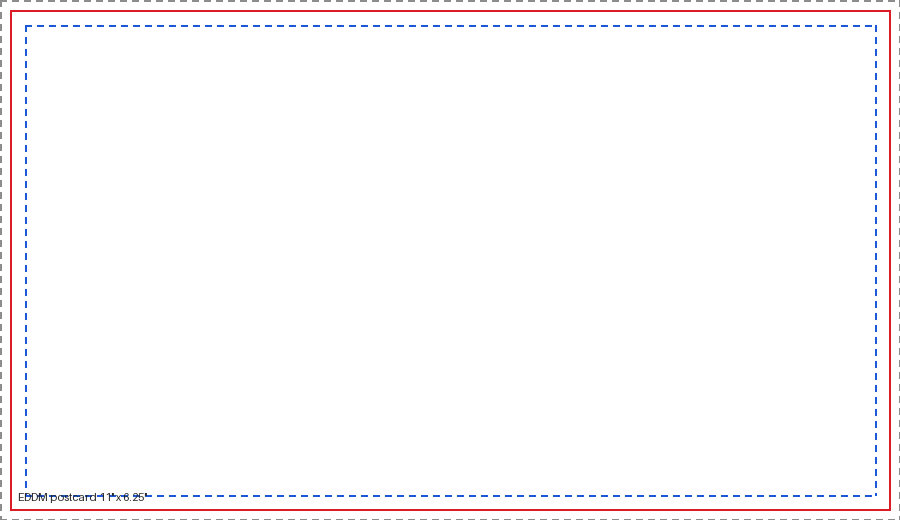
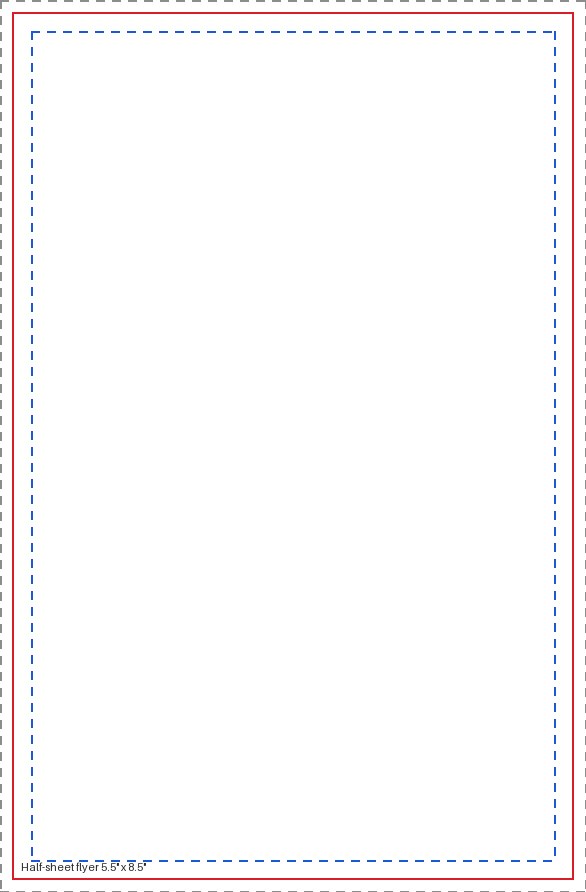
EDDM postcard — 11" x 6.25" blank print template showing trim, bleed and safe area

EDDM postcard — 11" x 6.25"

Trim size
11" x 6.25" (279.4 mm x 158.8 mm)
Document with bleed
11.25" x 6.5"
Safe area
10.625" x 5.875"
Bleed / margin
0.125" / 0.1875"

Meets USPS EDDM Retail size rules. Reserve the top right for the indicia and the "Local Postal Customer" block.
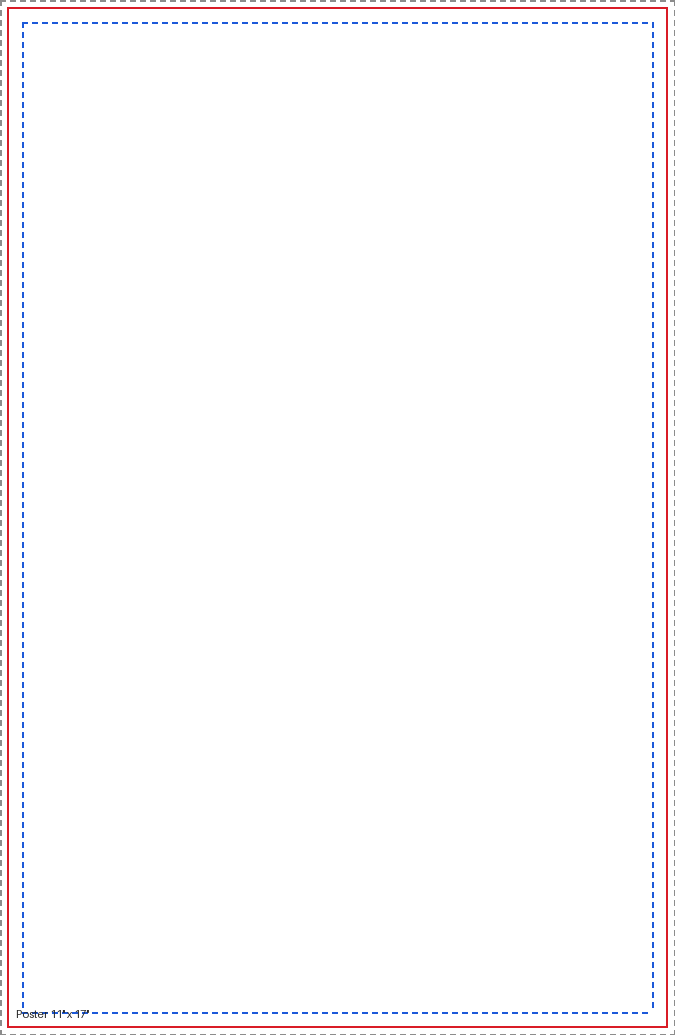
Poster — 11" x 17" blank print template showing trim, bleed and safe area

Poster — 11" x 17"

Trim size
11" x 17" (279.4 mm x 431.8 mm)
Document with bleed
11.25" x 17.25"
Safe area
10.5" x 16.5"
Bleed / margin
0.125" / 0.25"

Tabloid size; fits most indoor poster frames and window displays.
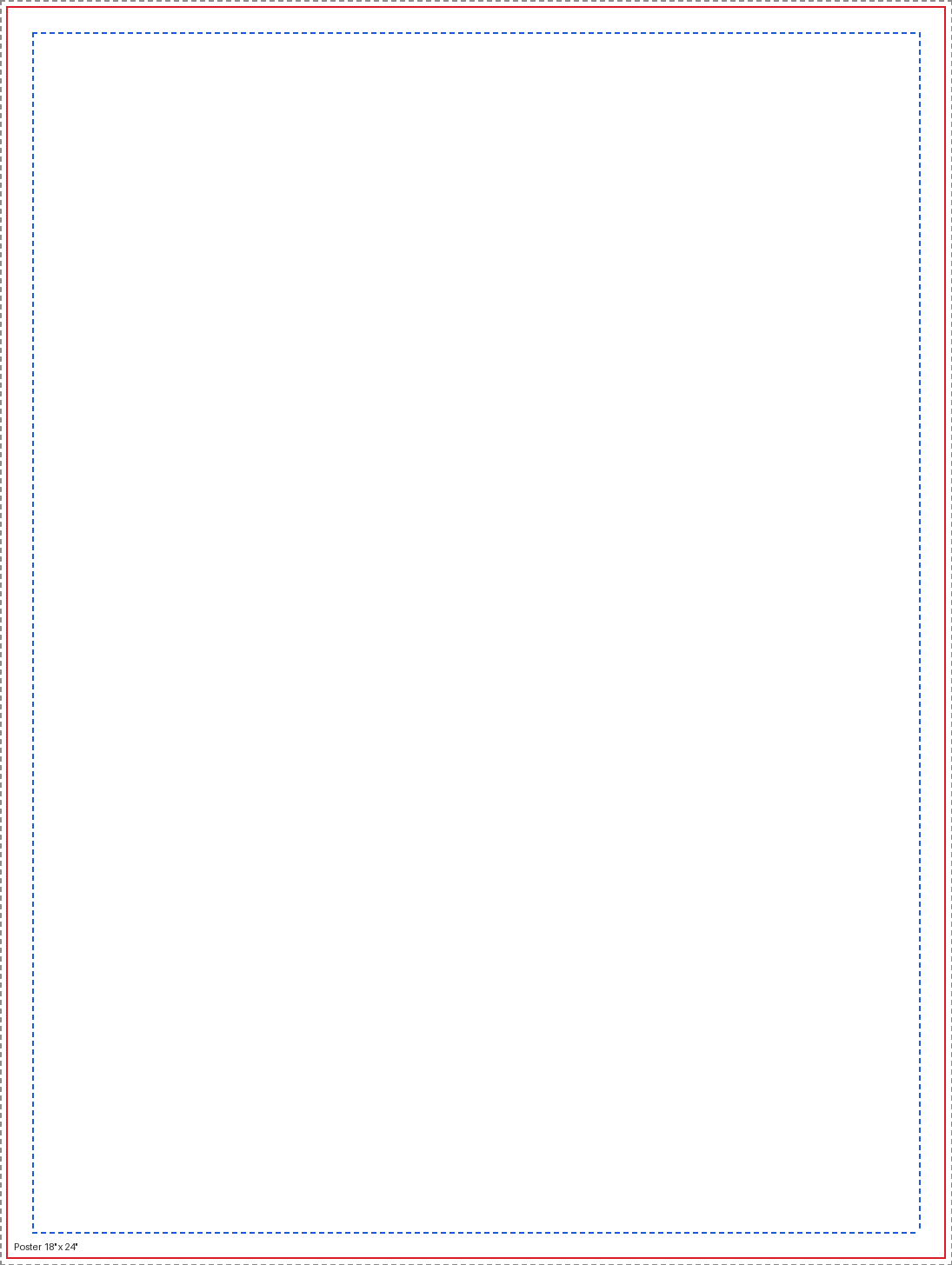
Poster — 18" x 24" blank print template showing trim, bleed and safe area

Poster — 18" x 24"

Trim size
18" x 24" (457.2 mm x 609.6 mm)
Document with bleed
18.25" x 24.25"
Safe area
17" x 23"
Bleed / margin
0.125" / 0.5"

Large-format read-from-a-distance size. Photos can be built at 150 DPI at full size.
How to set up print-ready artwork

  • Build at full size. Use the document size that includes bleed, not the trim size.
  • Bleed to the edge. Extend backgrounds and photos past the red trim line to the outer edge.
  • Respect the safe area. Keep text, logos and borders inside the blue dashed line.
  • 300 DPI, CMYK. Convert RGB images before export; set black text to 100% K only.
  • Export PDF/X. Outline or embed fonts, then export PDF/X-1a or PDF/X-4 with the guide layer deleted or hidden.

Template FAQ

What is bleed in printing?
Bleed is artwork that extends past the trim line so no white slivers show after cutting. Most templates here add 0.125" of bleed on all four sides (CR80 cards use 0.0625") — push any background color or photo all the way to the outer edge of the document.
What is the safe area?
The safe area is the margin inside the trim line where text and logos must stay. Cutting has a small tolerance, so anything closer to the edge risks being clipped.
What resolution and color mode should artwork be?
300 DPI at final size, in CMYK. RGB files are converted for press and bright RGB blues and greens will shift. Black text should be 100% K only, never a four-color mix.
How do I send fonts?
Outline your type or embed the fonts, then export a press-ready PDF (PDF/X-1a or PDF/X-4). Flattened PDFs avoid font substitution on our end.
Are these templates free to use?
Yes. Download and use them for any project, printed with us or not. They are blank dielines, not artwork licenses.

Need a size that is not here?

We print custom sizes every week. Send us your dimensions and we will set up the dieline for you.

Request a quote