PVC Cards
How to choose the right Evolis printer for your business
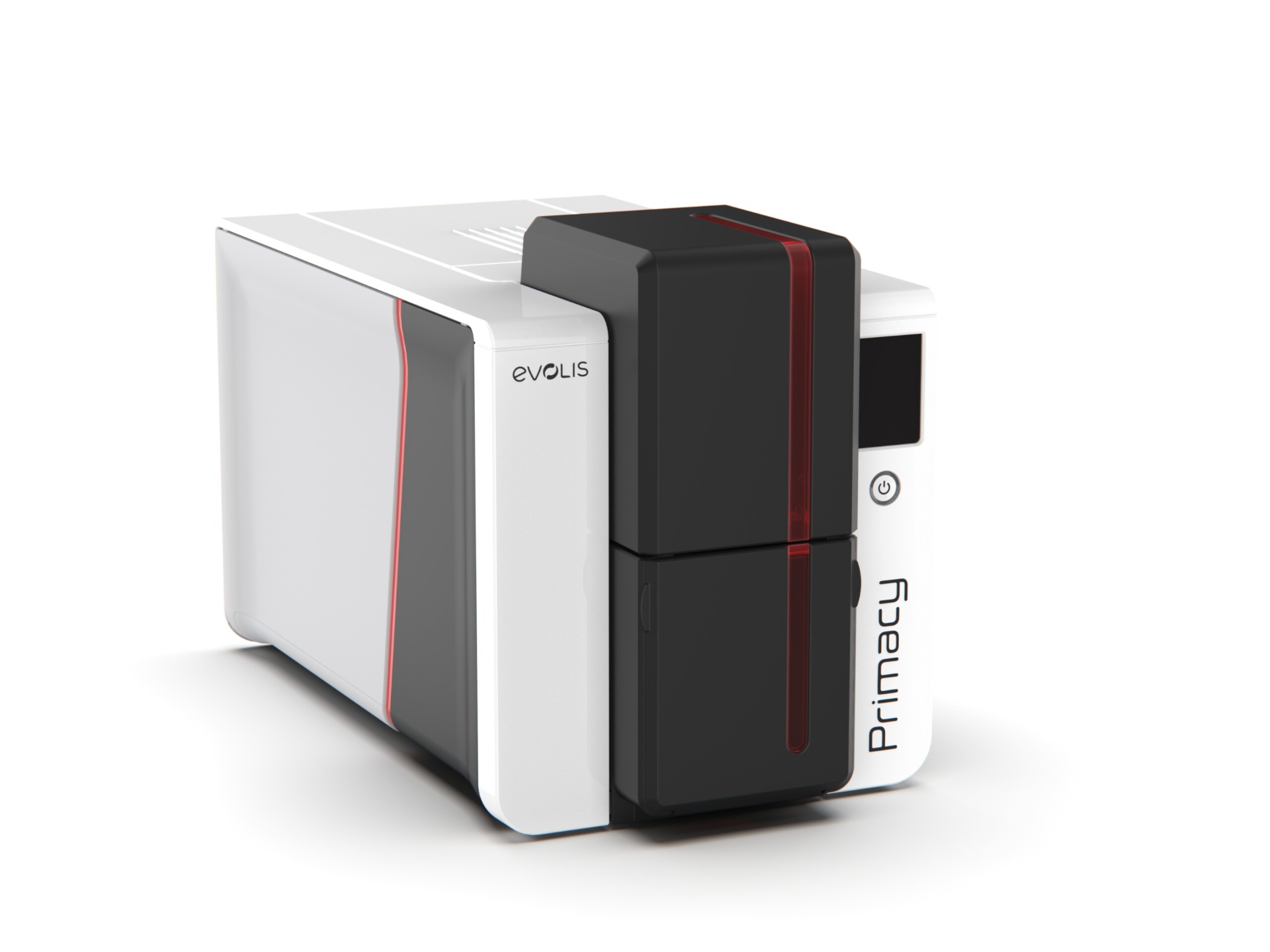
Printing ID cards in-house gives you control over design, security, and turnaround. You can issue a badge the same day a new hire starts, replace a lost card in minutes, and update card designs without waiting for an external vendor. Evolis has been one of the most trusted names in desktop card printing for years, and their range covers everything from small offices to high-volume campuses.
Choosing the right model comes down to four questions: How many cards will you print? Do you need single or dual-sided printing? What level of card durability and security do you need? And what is your budget for the printer and supplies?
Why print ID cards in-house
Outsourced card printing works for large uniform batches, but it breaks down when people join, leave, or lose badges between batch cycles. In-house printing keeps the process continuous.
The cost per card drops quickly once you are printing more than a few dozen a month. After the initial printer investment, the ongoing costs are just blank cards and ribbons.
In-house printing also protects sensitive data. You do not have to send employee photos or ID numbers to a third party, and you control how cards are stored and issued.
Direct-to-card vs. retransfer printing
Direct-to-card (DTC) printers print directly onto the PVC surface. They are faster, less expensive, and perfect for standard employee badges, membership cards, and loyalty cards.
Retransfer printers print onto a clear film that is then fused onto the card. The result is more durable, has true edge-to-edge coverage, and looks better on cards with uneven surfaces or embedded chips. Retransfer is the right choice for access-control badges, government IDs, or any card that gets heavy daily use.
If your cards include a smart chip, NFC tag, or proximity chip, retransfer printing avoids the printhead contact issues that can sometimes appear with direct-to-card models.
Single-sided vs. dual-sided printing
Single-sided printers are cheaper and more compact. They are ideal if you only need a photo and name on the front, with no information on the back.
Dual-sided printers print both sides in one pass. They make sense when you want a logo and photo on the front plus a barcode, QR code, policy statement, or contact details on the back.
Most Evolis models can be field-upgraded from single to dual-sided, so you do not have to make the final call on day one if your needs change.
Matching the model to your volume
Low volume (under 500 cards per year): compact entry-level models are sufficient. They are small, quiet, and easy to set up on a reception desk.
Medium volume (500–5,000 cards per year): look for models with larger input hoppers, faster print speeds, and Ethernet connectivity for shared office use.
High volume (5,000+ cards per year): choose a printer built for speed and duty cycle, with high-capacity ribbon and card hoppers. Consider a laminating module for extra durability.
We can help you estimate total cost of ownership based on your expected volume, including ribbons, blank cards, and cleaning kits.
Security features worth paying for
Lamination adds a protective layer that extends card life and makes tampering harder. It is a smart upgrade for IDs that are worn daily or exposed to outdoor conditions.
Holographic overlays and custom HoloKote watermarks make cards harder to counterfeit without adding per-card cost.
Magnetic stripe, smart chip, and RFID encoding modules let a single badge handle access control, payments, and time tracking.
Some printers support UV printing or micro-text for an extra layer of authentication that is difficult to duplicate.
Frequently asked questions
- How much does an Evolis printer cost to operate?
- The main ongoing costs are blank PVC cards and ribbons. A typical color ribbon yields 200–500 prints, and the cost per card usually falls between $0.25 and $0.75 depending on coverage and card type.
- Can Evolis printers encode magnetic stripes or chips?
- Yes. Many models can be configured with magnetic stripe, contact chip, or contactless encoding modules at the time of purchase.
- Do I need special software to design cards?
- Evolis printers work with most ID card design software, and we can recommend options based on whether you need basic design or advanced database integration.